Can a Portable Power Station Power Starlink? The Complete UK Guide (2026)
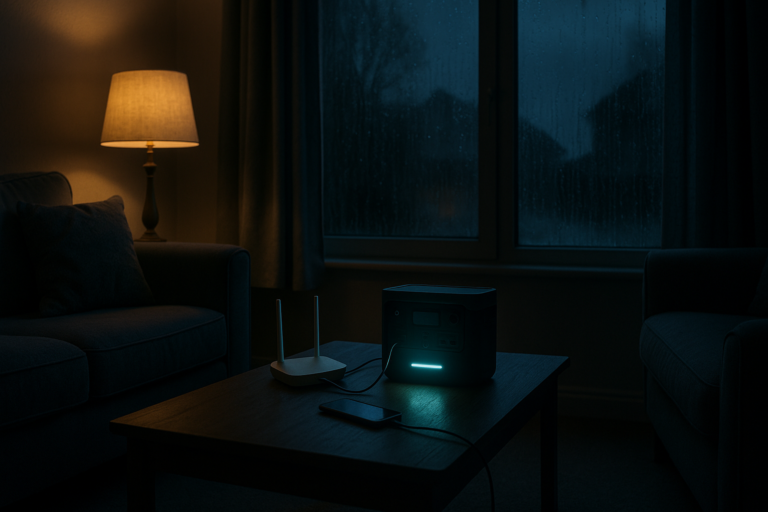
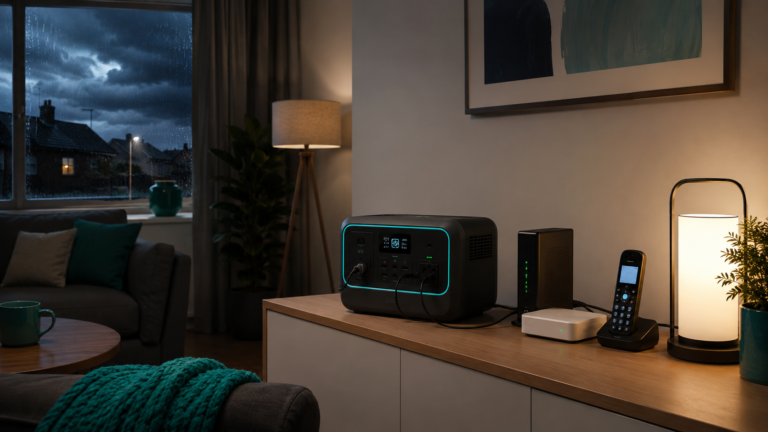
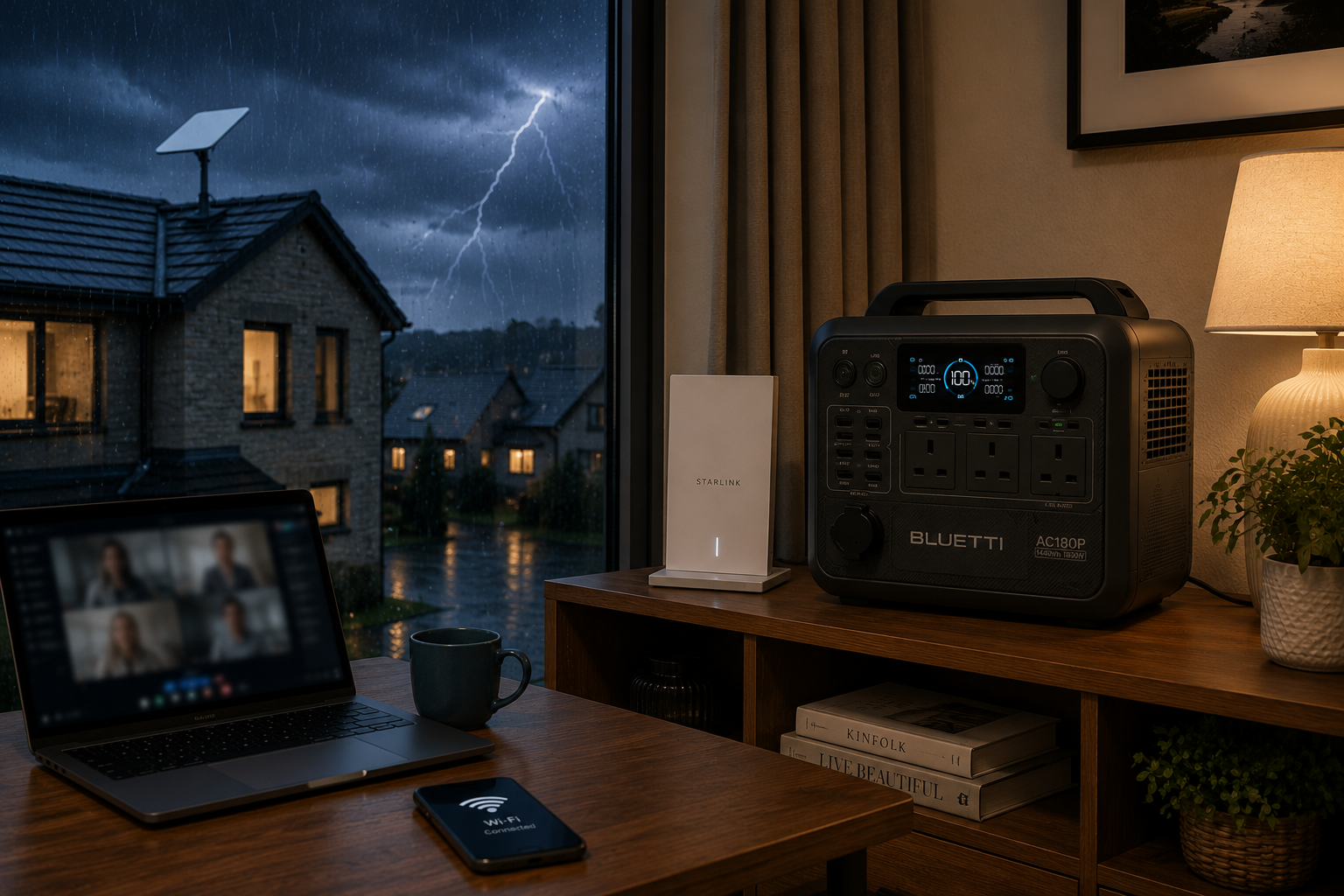
A portable power station for Starlink can keep satellite internet running when the mains electricity supply fails, provided the power station has enough battery capacity and output for your Starlink equipment.
That matters most in rural UK homes, remote offices and storm-prone locations where Starlink may be the household’s main internet connection. Without backup power, the dish, router and power supply normally switch off as soon as the electricity goes down.
The good news is that Starlink equipment uses far less power than appliances such as kettles, heaters or ovens. This makes it well suited to portable battery backup.
Quick answer
📡 Yes, a portable power station can power Starlink. Starlink Mini typically uses around 20–40W, while current Standard systems typically average around 75–100W.
🔋 A compact power station may keep Starlink running for a few hours. A larger 1,000Wh-plus unit can provide much longer backup and may also support a laptop, phones, lighting and other low-power essentials.
Actual runtime depends on your Starlink model, weather, network activity, connected devices and the efficiency of the power connection.
🇬🇧 UK-based business • 📦 UK delivery available • ↩️ 30-day returns • 🛡️ Manufacturer warranty
Contents
- What happens to Starlink during a power cut?
- How much electricity does Starlink use?
- Can a portable power station run Starlink?
- Starlink runtime comparison
- Best portable power station for Starlink
- Powering Starlink with a laptop and other devices
- Can solar panels power Starlink?
- How to build a reliable Starlink backup setup
- Official Starlink and UK weather resources
- Frequently asked questions
What happens to Starlink during a power cut?
Starlink depends on electricity inside your property. The dish, router and power supply all need power to operate. A portable power station for Starlink provides a practical reserve when the mains supply is interrupted.
When the mains supply fails, Starlink normally stops working immediately unless it is connected to a battery backup, uninterruptible power supply or portable power station.
This can affect more than web browsing. A Starlink outage may also interrupt:
- 💻 Remote working and video calls
- ☎️ Wi-Fi calling in areas with weak mobile reception
- 📱 Messaging and app-based communication
- 🏠 Smart-home devices
- 📹 Cloud-connected security cameras
- 📺 Streaming and online television
- 🛒 Online business systems and card terminals
The impact can be greater in rural areas where Starlink is used because fixed broadband or mobile data is unreliable.
📡 VoltReady view: Starlink solves the coverage problem, but it does not solve the power problem. A separate battery backup is needed if you want the connection to remain available during an outage.
⚠️ Important: powering your Starlink equipment does not guarantee internet service. Severe weather, obstructions, network faults or problems affecting Starlink’s wider infrastructure may still interrupt the connection.
How much electricity does Starlink use?
Power consumption varies by Starlink model. It also changes with temperature, location, network traffic and system activity.
Current Starlink guidance lists the following typical figures:
| Starlink system | Typical average power | Idle power | Planning figure used in this guide |
|---|---|---|---|
| Starlink Mini | 20–40W | Approximately 15W | 30W |
| Starlink Standard | 75–100W | Approximately 20W | 90W |
| Starlink Standard Actuated | 50–75W | Approximately 20W | 65W |
| Starlink Performance | Varies by generation and operating conditions | Varies | Check the exact kit specification |
Starlink Mini is the easiest model to support from a compact battery because it uses substantially less power than a Standard system.
Standard Starlink has a higher energy requirement, but its continuous wattage is still within the capability of even relatively small portable power stations.
The main question is therefore not whether the power station can start Starlink. It is how many hours of useful runtime its battery can provide.
How much energy does Starlink use over time?
Battery capacity is measured in watt-hours, normally shown as Wh.
A Starlink Mini averaging 30W would use approximately:
- 🕓 120Wh over 4 hours
- 🕗 240Wh over 8 hours
- 🕛 360Wh over 12 hours
- 📅 720Wh over 24 hours
A Standard Starlink system averaging 90W would use approximately:
- 🕓 360Wh over 4 hours
- 🕗 720Wh over 8 hours
- 🕛 1,080Wh over 12 hours
- 📅 2,160Wh over 24 hours
These figures are the equipment’s energy demand before allowing for inverter losses and reserve capacity.
Can a portable power station run Starlink?
Yes. A portable power station can normally run Starlink through a standard UK AC socket, provided the power station’s AC output is switched on and the Starlink system remains within its rated output.
Starlink’s continuous power demand is modest compared with the output capability of most modern portable power stations.
Even a compact unit rated at 300W or 600W can usually supply enough output for Starlink. Battery capacity, rather than maximum wattage, is usually the deciding factor.
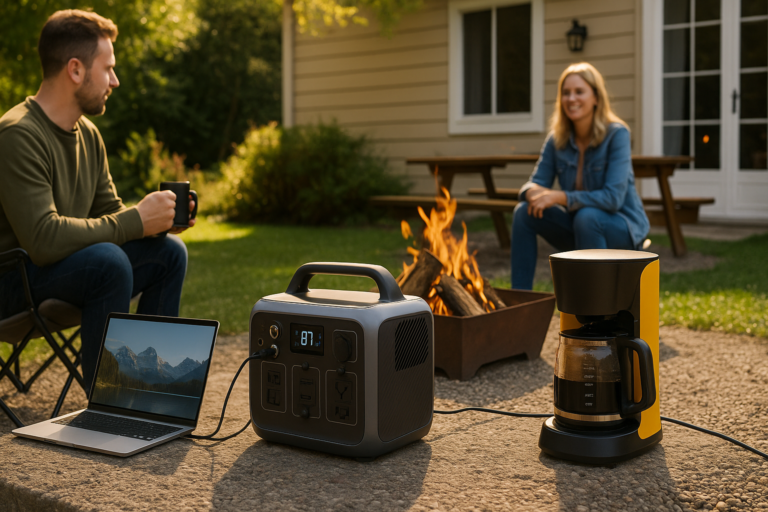
A suitable setup can also power:
- 💻 A laptop
- 📱 Mobile phones and tablets
- 💡 LED lighting
- 🖥️ A computer monitor
- 📺 A suitable small television
- 🔌 Network switches or mesh Wi-Fi units
High-powered heating and cooking appliances should normally be kept off the same backup system if your priority is preserving internet runtime.
🔌 Check your complete setup.
A separate router, mesh system, network switch, laptop and monitor all add to the total wattage.
Use the VoltReady Power Calculator with every device you intend to run rather than entering the Starlink dish alone.
How long will a portable power station for Starlink run?
The table below uses conservative planning figures:
- 🔋 85% of the advertised battery capacity available after normal AC conversion losses
- 📡 30W average load for Starlink Mini
- 🏠 90W average load for Starlink Standard
- 💻 140W combined load for Standard Starlink plus a typical laptop and small accessories
| Portable power station | Battery capacity | Starlink Mini at 30W | Starlink Standard at 90W | Standard plus laptop at 140W |
|---|---|---|---|---|
| BLUETTI AC2P | 230.4Wh | Approx. 6.5 hours | Approx. 2.2 hours | Approx. 1.4 hours |
| BLUETTI AC60P | 504Wh | Approx. 14.3 hours | Approx. 4.8 hours | Approx. 3.1 hours |
| EcoFlow DELTA 3 | 1,024Wh | Approx. 29 hours | Approx. 9.7 hours | Approx. 6.2 hours |
| EcoFlow DELTA 3 Max | 2,048Wh | Approx. 58 hours | Approx. 19.3 hours | Approx. 12.4 hours |
| BLUETTI AC200PL | 2,304Wh | Approx. 65 hours | Approx. 21.8 hours | Approx. 14 hours |
These are planning estimates, not guaranteed runtimes.
Real performance can be affected by:
- 🌧️ Rain, snow and temperature
- 📡 Starlink model and software behaviour
- 📶 Network use and connected devices
- 🔌 AC inverter efficiency
- 🔋 Battery age and starting charge
- 🌡️ Storage and operating temperature
- 💻 Additional equipment connected at the same time
🔋 VoltReady view: plan around the higher end of Starlink’s stated power range if internet access is important during an emergency. A slightly larger battery provides a useful safety margin.
Calculate your own Starlink backup time
Enter Starlink, your laptop, lighting, phones and any network equipment into the VoltReady Power Calculator.
This gives you a more realistic estimate than choosing a power station from Starlink’s wattage alone.
Best portable power station for Starlink
Match the exact Starlink hardware, any laptop or network equipment and the required hours before choosing a battery.
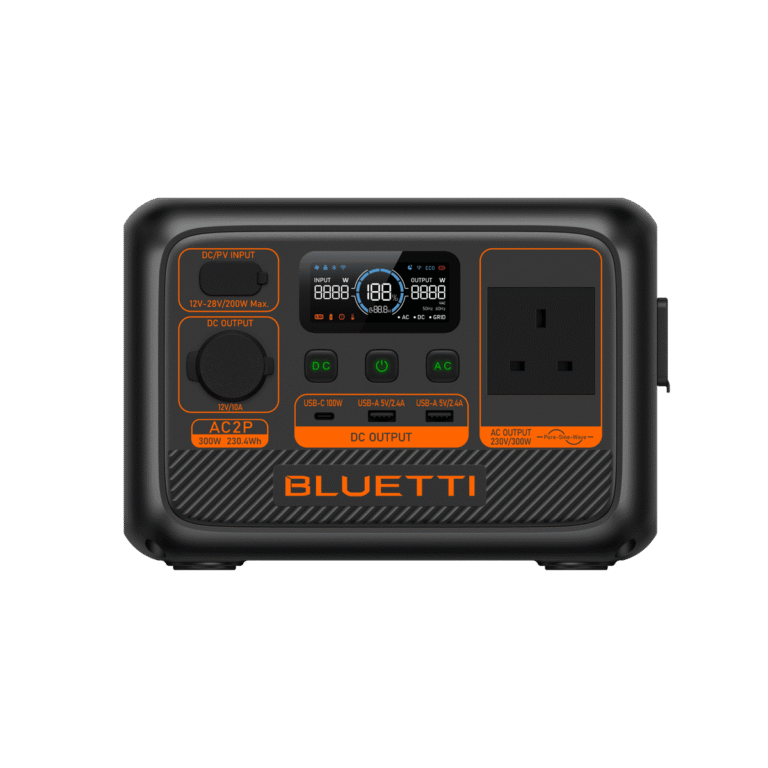
Compact Starlink planning: BLUETTI AC2P
The BLUETTI AC2P suits shorter Starlink Mini and light communications plans where its 230.4Wh capacity and 300W output are sufficient.
Everyday Starlink backup: BLUETTI AC60P
The BLUETTI AC60P provides 504Wh and 600W output for longer Mini use or shorter Standard-system plans with carefully checked combined loads.
Mid-range and higher-capacity research options
EcoFlow DELTA 3, BLUETTI AC200PL and EcoFlow DELTA 3 Max provide more capacity for longer rural-home or work use. DELTA 3 Max means the standard Max model, not Max Plus.
Planning note: choose by the exact Starlink equipment, any additional network or laptop load, the required hours and the power station’s usable capacity. Product pages show live purchasing information.
For a broader explanation of fixed broadband, routers, fibre ONTs and satellite internet, read Powering Internet Anywhere in the UK.
Can you power Starlink and a laptop together?
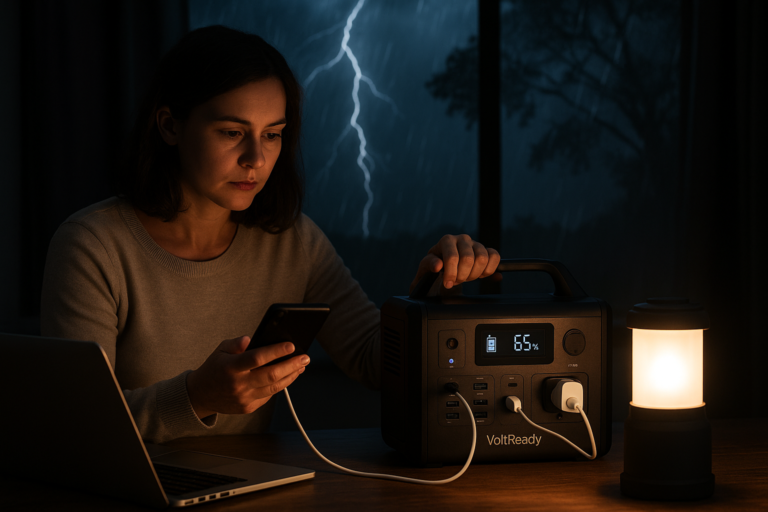
A portable power station for Starlink can usually support a laptop at the same time, provided the combined demand remains within the unit’s output and battery limits.
Yes. A portable power station can power Starlink and a laptop at the same time, provided their combined wattage remains within its output rating.
A realistic rural home-office setup might include:
- 📡 Standard Starlink: approximately 75–100W
- 💻 Laptop: approximately 30–65W
- 🖥️ Monitor: approximately 20–40W
- 📱 Phone charging: approximately 5–20W
- 💡 LED desk light: approximately 5–10W
The complete setup could therefore use around 130–200W, depending on the equipment.
A compact 200–300Wh power station may support this load briefly. For a dependable working day, a battery of around 1,000Wh or more is usually a more practical starting point.
Example: essential remote-working setup
| Device | Planning wattage |
|---|---|
| Standard Starlink | 90W |
| Laptop | 45W |
| Phone charging | 10W |
| LED light | 5W |
| Total | 150W |
At a 150W average load, the 504Wh AC60P gives a theoretical planning result of about 2.9 hours using the 85% allowance in this guide. Actual runtime may be shorter.
Can Starlink support Wi-Fi calling during a power cut?
Potentially, yes.
If Starlink remains connected and your mobile network supports Wi-Fi calling, a compatible phone may continue making and receiving calls over the internet.
This can be especially useful in rural homes with weak mobile signal.
☎️ Do not rely on Wi-Fi calling as your only emergency option. Starlink service, the mobile provider’s Wi-Fi calling platform or your own equipment could still be unavailable.
Can a portable power station keep Starlink CCTV online?
For properties that rely on cloud-connected cameras, a portable power station for Starlink may help preserve both the internet link and selected low-power security equipment during a mains failure.
It can help, but the full system must be included in the calculation.
A Starlink-connected security setup may include:
- 📡 Starlink dish and router
- 📹 Security cameras
- 🖥️ Network video recorder
- 🔌 Power over Ethernet switch
- 💾 Storage drive
- 🌐 Additional network equipment
The cameras and recorder may use as much power as Starlink itself.
Add every component to the Power Calculator before choosing a battery. For overnight CCTV operation, a higher-capacity or expandable system is usually more suitable.
Can solar panels recharge a portable power station for Starlink?
Yes. A portable power station connected to compatible solar panels can recharge while supplying Starlink, subject to available sunlight, solar input limits and system capacity.
Solar charging is particularly useful for:
- 🏡 Rural properties
- 🚐 Mobile and temporary Starlink use
- 🌲 Remote cabins and work sites
- 🌧️ Longer grid outages
- 💻 Off-grid remote working
However, UK solar output varies greatly by season and weather.
A panel’s advertised wattage is a laboratory maximum. Cloud, rain, shading, panel angle and short winter days can reduce real output substantially.
Illustrative solar requirement
A Standard Starlink system averaging 90W uses approximately 720Wh over eight hours.
To replace that energy in a day, your solar panels must generate more than 720Wh because charging losses also need to be covered.
A 200W solar array might theoretically produce 800Wh over four strong equivalent sun hours. Real UK conditions may provide considerably less.
☀️ VoltReady view: treat solar as a way to extend runtime and replenish the battery, not as a guarantee of uninterrupted daily operation during a UK storm.
How to build a reliable portable power station for Starlink setup
A good Starlink backup plan should be simple enough to use quickly during a real outage.
1. Identify your Starlink model
Confirm whether you have Starlink Mini, Standard, Standard Actuated, Performance or another kit.
Do not calculate runtime using a generic Starlink figure if the exact specification is available.
2. Measure or estimate the complete load
Include the Starlink equipment and every device that must remain powered.
A plug-in energy monitor can provide a more accurate real-world reading than the label alone.
3. Decide how long you need the connection
Your requirement might be:
- 🕑 Two hours for short interruptions
- 💻 Eight hours for a working day
- 🌙 Overnight communication and monitoring
- 🌧️ One or more days during severe weather
4. Add reserve capacity
Avoid choosing a battery that only meets the perfect theoretical calculation.
A reserve helps account for cold weather, higher Starlink consumption, battery ageing and additional devices.
5. Test the setup before you need it
Connect the complete system and check:
- ✅ Starlink starts normally
- ✅ The router remains connected
- ✅ The power station does not overload
- ✅ The displayed runtime is acceptable
- ✅ Cables are safe and easy to access
6. Store the power station charged
A backup system is only useful if the battery is ready.
Follow the manufacturer’s guidance on storage charge, temperature and periodic maintenance.
AC power or DC power for Starlink?
Most buyers will use the standard AC connection because it is straightforward. A compatible DC setup may improve efficiency, but a portable power station for Starlink should only be connected using suitable equipment and the correct voltage.
The simplest approach is to use the official Starlink power supply from the portable power station’s UK AC outlet.
This normally requires no modification and keeps the installation close to Starlink’s intended setup.
Starlink Mini also supports specific DC and USB Power Delivery arrangements. Starlink states that a compatible USB PD source must provide at least 100W at 20V/5A when used with its USB-C to barrel-jack accessory.
A compatible DC connection may reduce inverter losses, but voltage, current, cable type and connector polarity must all be correct.
⚠️ Use only compatible equipment. VoltReady does not recommend improvised cables or modified wiring. Check current Starlink and power-station manufacturer guidance before using a DC connection.
Can Starlink be treated as an uninterruptible internet connection?
No internet system is completely uninterruptible.
A portable power station protects against loss of electricity inside your property. It does not prevent every possible service failure.
A resilient communication plan may also include:
- 📱 A charged mobile phone
- 📶 A second mobile network SIM
- 🔋 A power bank for small devices
- 📻 A battery or rechargeable radio
- ☎️ Important numbers written down
- 🏠 A nearby contact or neighbour
This is particularly important where the connection is used for safety, care, alarms or business-critical communication.
Does Starlink have an affiliate programme?
Starlink does not currently promote a conventional public affiliate programme that pays publishers a percentage commission on customer orders.
It does operate a customer referral programme in eligible markets. The exact reward, eligibility and conditions can change.
The referral arrangement is designed primarily for existing Starlink customers sharing a personal referral link, rather than for retailers building a conventional affiliate business.
VoltReady’s role is therefore not to sell Starlink subscriptions. It is to help Starlink users choose suitable portable backup power for their internet equipment.
Why this matters
Starlink users have already invested in reliable connectivity. For rural households and remote workers, backup power is a natural next step.
A properly sized portable power station can protect that investment during short power cuts and provide substantially longer runtime during severe weather.
Official Starlink and UK weather resources
Check the official Starlink Support centre for current guidance on your hardware, installation and troubleshooting. Starlink specifications and equipment can change, so confirm the requirements of the exact system installed at your property.
For approaching storms, review the Met Office UK weather warnings and charge your backup equipment before conditions deteriorate. These are standard followed links to authoritative resources, not paid placements.
Portable power station for Starlink FAQs
Can any portable power station run Starlink?
Most modern portable power stations with a UK AC outlet and sufficient output can run Starlink. Battery capacity determines how long it will operate.
How many watts does Starlink Mini use?
Starlink states that Mini typically averages around 20–40W and uses approximately 15W when idle.
How many watts does Standard Starlink use?
Current Standard systems typically average around 75–100W. Actual consumption varies with temperature, location and use.
What size battery do I need for eight hours of Starlink?
Starlink Mini at a 30W planning load needs around 240Wh before losses. Standard Starlink at 90W needs around 720Wh before losses. A safety margin should also be included.
Will a 300Wh power station run Starlink?
Yes. It may run Starlink Mini for several hours or Standard Starlink for roughly two to three hours, depending on the exact equipment and losses.
Will a 1,000Wh power station run Starlink all day?
It may run Standard Starlink for approximately nine hours after normal conversion losses, or Starlink Mini for well over 24 hours under moderate conditions.
Can I run Starlink and a laptop from the same power station?
Yes. Add their wattages together and confirm the combined load is within the power station’s output rating. A larger battery is advisable for a full working day.
Can I run Starlink from a car battery?
It may be technically possible with suitable equipment, but discharging a vehicle starter battery can leave the vehicle unable to start. A dedicated portable power station is generally the safer and more practical option.
Can Starlink Mini run from USB-C?
Starlink Mini can use a compatible USB Power Delivery source. Starlink specifies a minimum of 100W at 20V/5A with the appropriate Starlink accessory cable.
Is DC more efficient than AC for Starlink?
A compatible DC connection can reduce conversion losses. It must meet the exact voltage, current and connector requirements. AC remains the simpler option for most households.
Can solar panels run Starlink continuously?
They can contribute enough energy under suitable conditions, but UK weather and seasonal daylight make continuous solar-only operation uncertain. Battery storage is required to bridge low-light periods.
Will Starlink work in a storm?
Starlink is designed for outdoor use, but severe rain, snow, obstructions or wider network issues can affect performance. Backup electricity does not guarantee connectivity.
Can I keep Starlink online for CCTV?
Yes, provided the battery is sized for Starlink, cameras, recorders, switches and any other equipment. The full system load may be much higher than Starlink alone.
Can a portable power station damage Starlink?
A reputable power station used within its specifications and connected through the official Starlink power supply should not normally damage the equipment. Always follow both manufacturers’ instructions.
Should I leave Starlink permanently connected to a power station?
Some power stations support pass-through charging or UPS-style operation, but behaviour and transfer times vary. Check the exact model guidance before relying on it for automatic backup.
Which BLUETTI is best for Starlink Mini?
The AC2P is the compact choice. The AC60P adds capacity and output headroom, while the AC70P provides a supporting mid-size route.
Which BLUETTI is best for Standard Starlink?
DELTA 3, AC200PL and DELTA 3 Max provide higher-capacity core routes for longer household or remote-working plans.
Does Starlink have an affiliate programme?
Starlink currently operates a customer referral scheme in eligible markets rather than a conventional public commission-based affiliate programme. Terms can change, so check Starlink directly.
Choose the right Starlink backup before the next outage
A portable power station for Starlink can keep rural households, home offices and essential communications online when the electricity supply fails.
Compact batteries are suitable for Starlink Mini and shorter interruptions. Larger 1,000Wh-plus systems provide more useful runtime for Standard Starlink, laptops, lighting and other essentials.
Start by identifying your Starlink model, calculating the complete load and deciding how many hours of backup you actually need.
Runtime figures are estimates. Always check current Starlink requirements, product specifications and connected-device wattage before ordering.
Information in this guide was checked against current Starlink specification sheets and support guidance. Starlink power consumption varies with model, temperature, location and use. Product capacities and runtime estimates should be confirmed against current manufacturer specifications before purchase.