How Long Will a BLUETTI AC2P Run a Wi-Fi Router, Laptop and LED Lights?
VoltReady Runtime Guide
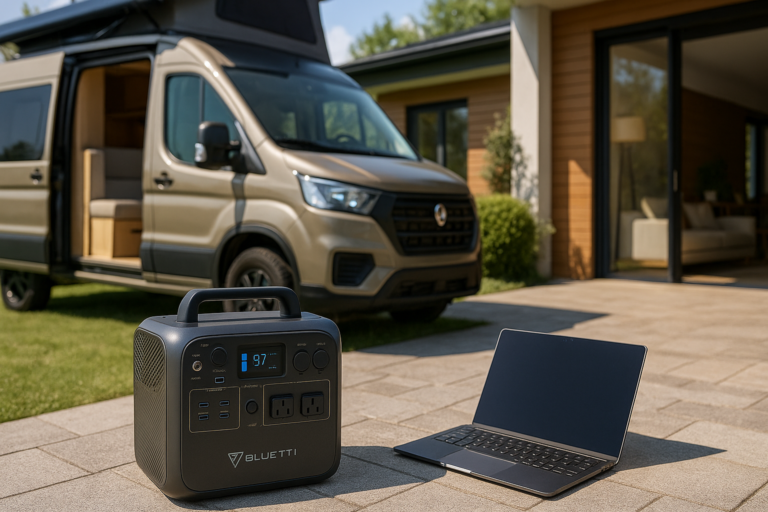
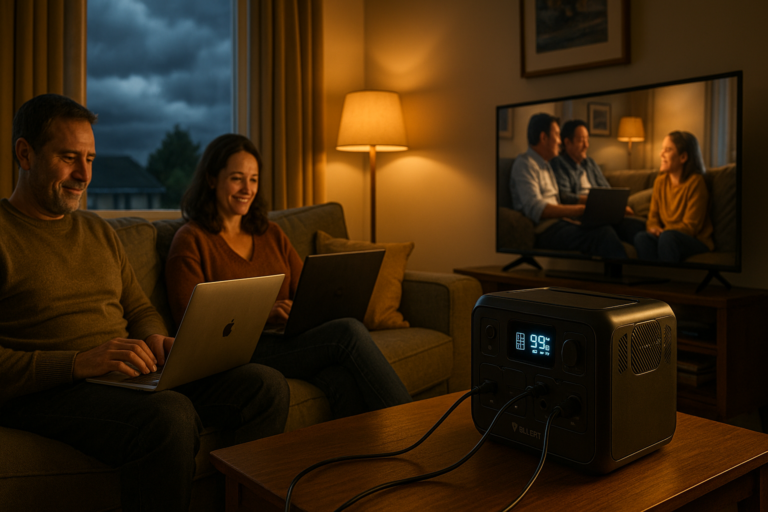
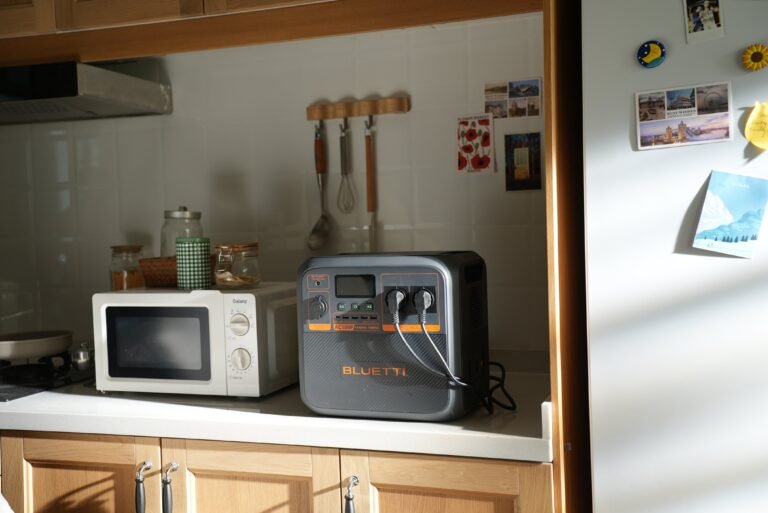
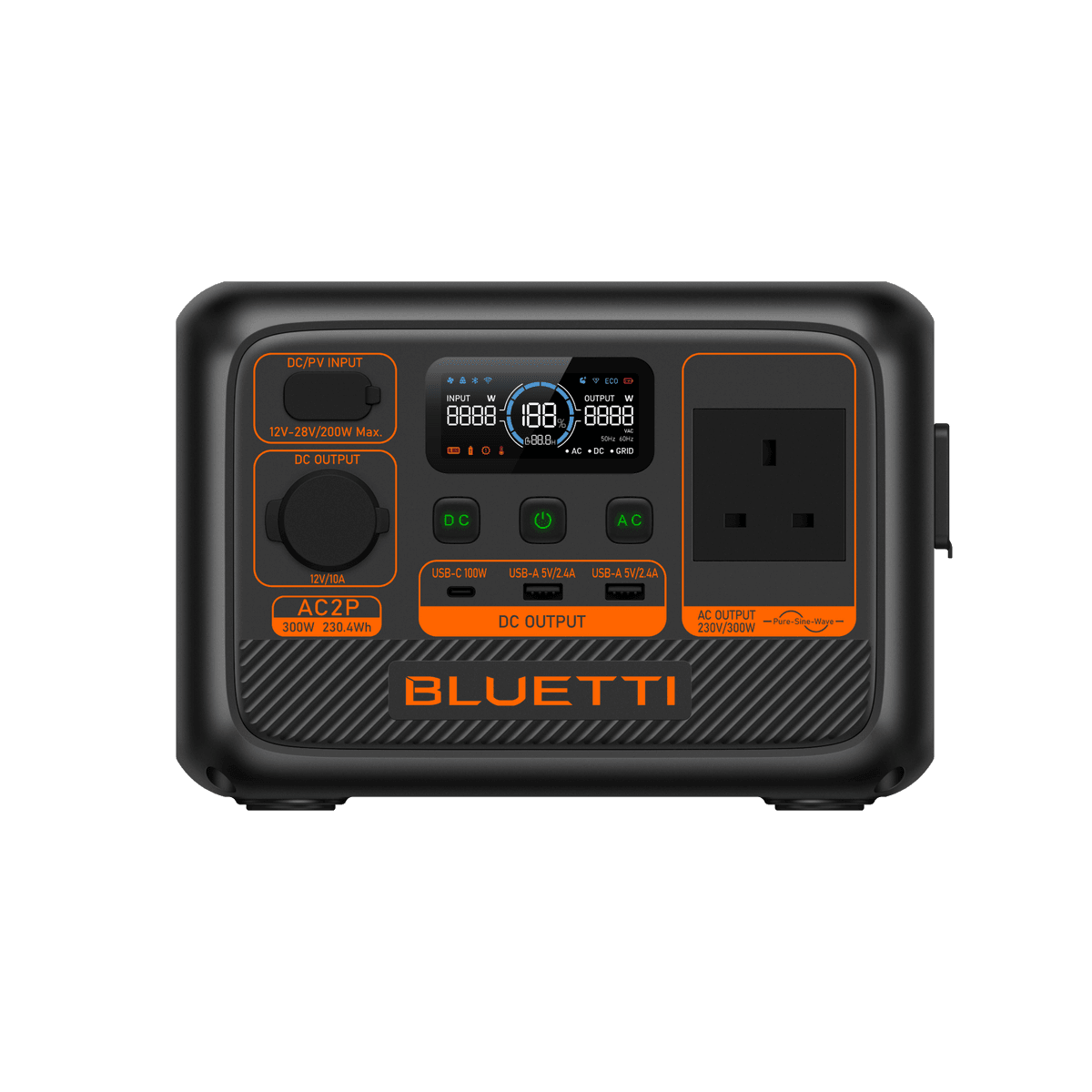
The BLUETTI AC2P stores 230.4Wh and provides 300W of continuous AC output. For a typical home-working setup using a router, a laptop and a small LED light, a sensible planning estimate is roughly 2.5 to 3 hours when all three run together.
That is an estimate, not a guaranteed runtime. Your router, laptop charger and lighting may draw more or less power, and the AC inverter uses some energy itself.
Quick AC2P runtime estimates
The examples below use 85% of rated battery capacity as a planning assumption for moderate AC loads. It is not a verified AC inverter-efficiency figure at very low loads. For equipment drawing only 5–12W, capacity-only calculations can be misleading because inverter overhead and ECO Mode behaviour become more significant.
| Equipment | Example load | Planning guidance |
|---|---|---|
| Wi-Fi router only | 8–12W | Do not rely on a fixed capacity-only runtime; check ECO settings and test the actual router |
| Laptop only | 40–65W while charging or working | About 3–4.5 hours as a theoretical planning range |
| One LED light | 5–10W | Do not rely on a fixed capacity-only runtime; check ECO settings and test the actual light |
| Router + laptop + LED light | About 60–75W combined | About 2.5–3 hours as a cautious planning range |
How the estimate is calculated
A useful starting formula is:
Estimated runtime = battery capacity × efficiency allowance ÷ combined load
For a 65W combined load:
230.4Wh × 0.85 ÷ 65W = about 3 hours
This is a theoretical planning calculation rather than a measured or guaranteed runtime. The power-station display can provide a more relevant estimate once your actual equipment is connected and drawing a steady load.
For a practical router and fibre-ONT continuity plan, see how to keep your Wi-Fi running during a UK power cut.
Example: working through a short UK power cut
Wi-Fi router
Allow 8–12W for a typical router, then add the separate ONT or modem if your broadband setup uses one.
Laptop
A laptop may draw 40–65W while charging, then fall once its internal battery is fuller. Screen brightness and workload also matter.
LED lighting
One efficient lamp may use 5–10W. Several lamps should be counted separately rather than treated as one load.
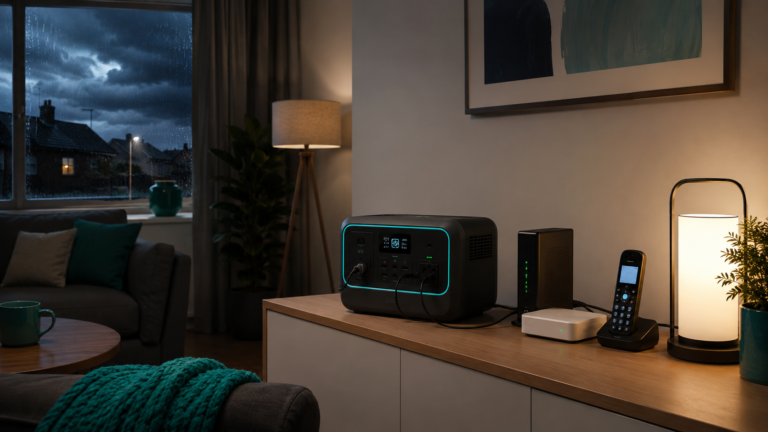
Using 10W for the router, 45W for the laptop and 10W for one LED light gives a 65W combined example. That points to around three hours on paper and a cautious real-world planning range of 2.5 to 3 hours.
Why your actual runtime may be different
- AC conversion: energy is lost when the battery supplies a UK mains socket.
- Inverter overhead: very small loads can be proportionally less efficient.
- Laptop behaviour: charging, video calls and processor load change consumption.
- Extra broadband equipment: full-fibre customers may need to power both the router and ONT.
- Temperature and battery condition: cold conditions and battery age can reduce usable energy.
- Other devices: phone charging, mesh Wi-Fi points and extra lights shorten runtime.
Can the AC2P run all three devices safely?
The example load is comfortably below the AC2P’s official 300W continuous output rating. The important check is still the total rating of everything connected. The AC2P is intended for suitable low-power electronics; it is not a practical choice for electric heaters, kettles or other high-wattage appliances.
If the priority is only a router and light, the AC2P can provide longer coverage. If you also want refrigeration or a larger group of home essentials, calculate the full load before choosing a larger model.
How to get more useful backup time
- Charge the laptop before severe weather arrives, then run it from its internal battery when practical.
- Use one efficient LED lamp instead of lighting several rooms.
- Switch off mesh nodes, screens and peripherals you do not need.
- Power every necessary broadband component; keeping only the router on will not help if the ONT or modem is off.
- Test the setup in advance and note the stable wattage shown on the power station.
When to consider a larger power station
The AC2P suits compact, low-power backup and shorter interruptions. A larger system may be a better fit if you need a fridge, multiple workstations, overnight coverage or more margin for uncertain loads.
BLUETTI AC60P
The AC60P adds capacity and output for a wider group of carefully checked communications, lighting and work equipment.
EcoFlow DELTA 3
The DELTA 3 is a mid-range alternative when you need more runtime and output headroom for broader home-essential planning.
Frequently asked questions
Will the AC2P keep Wi-Fi running automatically?
It can power suitable broadband equipment, but you need to connect every powered part of the setup. It cannot keep the external broadband network working if your provider’s local infrastructure is also affected.
Should I use the charger’s printed wattage for my laptop?
Use it as a cautious upper reference, then measure the real draw if possible. A 65W adaptor does not mean the laptop consumes 65W continuously.
Can I add a fridge to this example?
Do not add one without recalculating. Fridges cycle and may have a higher start-up demand. Use the Power Calculator and confirm the appliance label and surge requirements.
Calculate your real setup
Select your router, laptop, lighting and any other essentials to estimate the capacity and output that fit your own power-cut plan.
Technical sources: official BLUETTI AC2P user manual for ECO Mode guidance and the official BLUETTI UK AC2P specifications. Always check the documentation supplied with your unit.