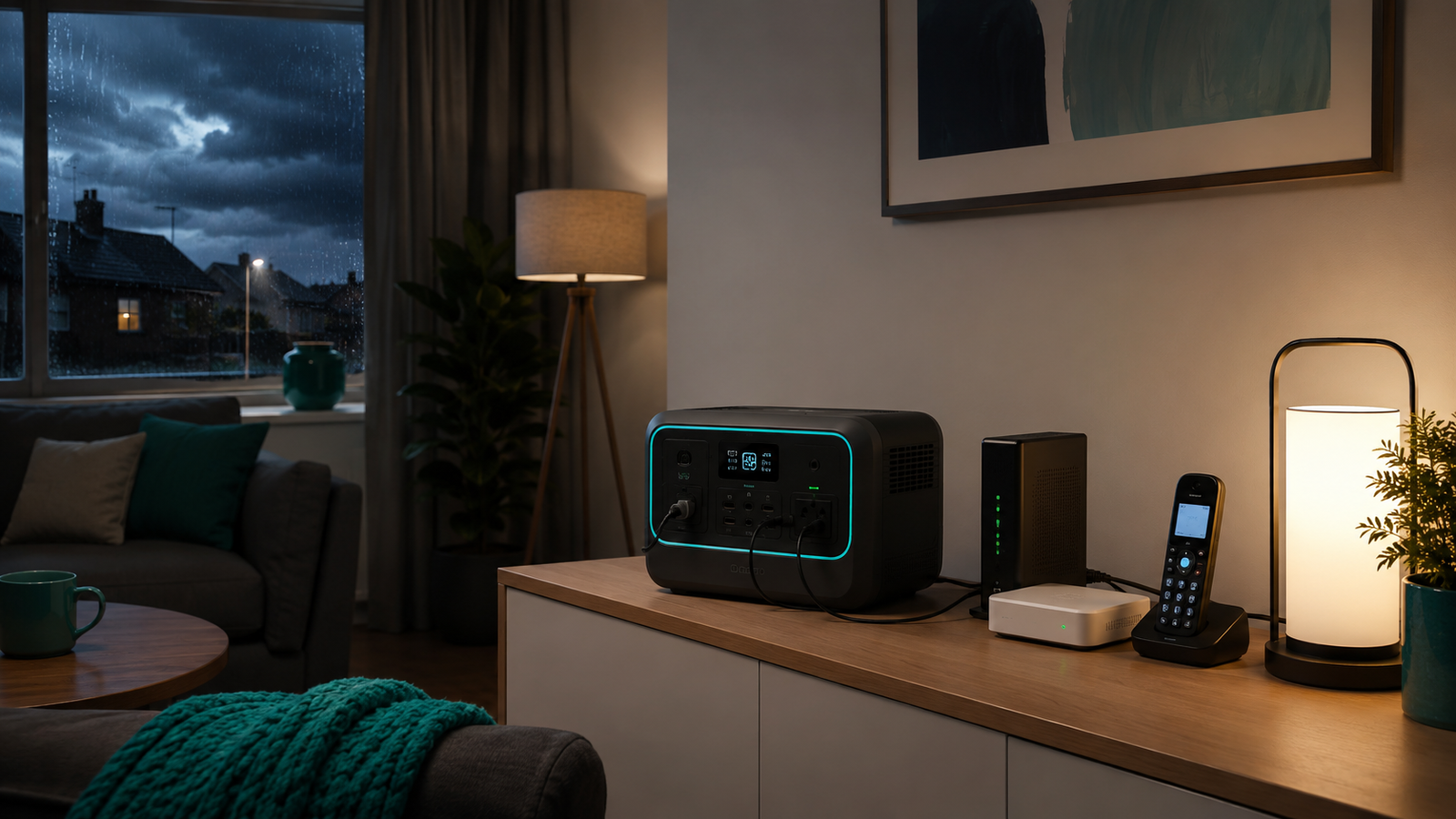
How to Keep Your Wi-Fi Running During a UK Power Cut
VoltReady Power-Cut Guide
Your Wi-Fi router normally stops when the mains electricity fails. To keep the connection available, you must power the router and every other powered part of the broadband path inside your home, such as a fibre ONT, modem or mesh unit.
A battery backup can keep that equipment on, but it cannot restore an external network fault. The safest plan combines backup power with a charged mobile phone and advice from your broadband or telephone provider.
What must stay powered?
Follow the cable from where broadband enters the property to the device that creates your Wi-Fi network. Your setup may include more equipment than the router alone.
Full Fibre
Usually needs both the fibre ONT on the wall and the broadband router. The ONT has its own power supply.
Part-fibre or copper
Usually needs the provider’s router or modem-router. Check for a separate modem or voice adaptor.
Mesh Wi-Fi
The main unit may keep a smaller area online. Extra mesh points also need power if you want whole-home coverage.
A practical five-step plan
- Identify every plug. Find the router, ONT or modem, voice adaptor and any essential mesh node.
- Record the wattage. Check each power adaptor label or measure the stable combined draw with suitable monitoring equipment.
- Choose the required time. Decide whether you need a short bridge, a working day or overnight support.
- Size the backup. Allow for conversion losses instead of dividing battery watt-hours by load and treating the result as guaranteed.
- Test before an outage. Keep another way to communicate available while you confirm the setup reconnects correctly.
How much power does Wi-Fi equipment use?
A single router often draws roughly 8–12W, but a fibre ONT, modem, voice adaptor and mesh network can increase the total. The correct figure is the combined draw of the equipment your connection actually needs.
| Example setup | Illustrative load | What to check |
|---|---|---|
| Router only | About 8–12W | Confirm there is no separate modem or ONT |
| Router + fibre ONT | Often about 15–25W combined | Read both power adaptors |
| Router + ONT + mesh | Often 20W or more | Count each powered mesh node |
These are examples, not universal specifications. Provider equipment varies, and adaptor labels can state a maximum rather than normal consumption.
How long could a compact power station run Wi-Fi?
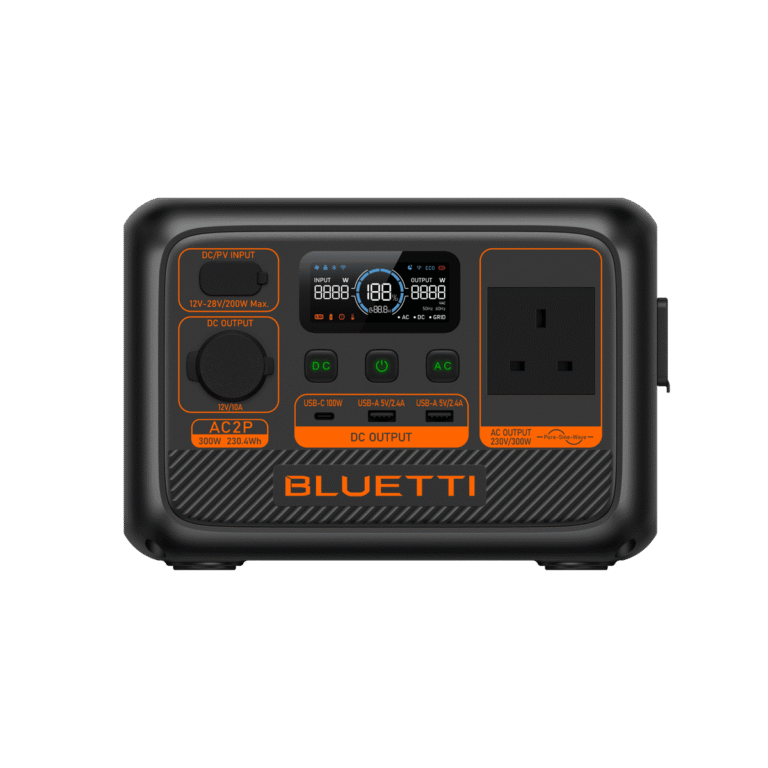
For planning, multiply battery capacity by an efficiency allowance and divide by the measured load. With the 230.4Wh BLUETTI AC2P and an illustrative 20W router-and-ONT setup:
230.4Wh × 0.85 ÷ 20W = about 9.8 hours on paper
This 9.8-hour figure is a theoretical capacity calculation, not a measured runtime or a verified low-load inverter-efficiency result. At a 20W AC load, inverter overhead and equipment behaviour can make actual runtime materially shorter. Test the complete setup and keep reserve capacity rather than relying on the calculated maximum.
For a compact setup, the BLUETTI AC2P is one relevant comparison point. Check current availability and use the calculator before ordering.
For a worked example covering a router, laptop and LED light together, see the BLUETTI AC2P runtime guide.
Do you need a UPS?
A UPS is designed to transfer to battery very quickly when mains power fails. A portable power station may offer UPS or pass-through features, but performance and transfer time vary by model. If a brief interruption would cause unacceptable disruption, check the exact product manual and test your equipment rather than assuming every power station behaves like a dedicated network UPS.
For medical, telecare, alarm or safety-critical equipment, ask the equipment supplier and communications provider for approved continuity arrangements. Do not rely on a general portable power station without their confirmation.
Digital landlines need a separate check
Many UK digital landlines work through the broadband router, so they also depend on power inside the home. Ofcom advises customers who rely on a landline, particularly those without reliable mobile coverage, to tell their provider and ask what power-cut support is available.
Even if your own router and ONT stay on, external network availability is not guaranteed. Keep a charged mobile phone and an agreed household communication plan where possible.
What to do when the power goes off
- Connect only the broadband equipment and devices you genuinely need.
- Reduce screen brightness and pause large downloads or non-essential streaming.
- Switch off spare mesh points if one access point provides enough coverage.
- Check the power station’s load and estimated remaining time after the connection stabilises.
- Preserve a reserve for phone charging and emergency lighting.
- Never run fuel-powered generators indoors or in an attached garage.
Choosing a larger backup setup
Wi-Fi by itself is a modest load. Capacity needs rise quickly when you add laptops, lighting, televisions or refrigeration.
BLUETTI AC60P
An everyday-backup option when the plan extends beyond Wi-Fi to more lighting or work equipment.
EcoFlow DELTA 3
A mid-range option for broader selected essentials where more output and runtime margin are required.
Frequently asked questions
Will Wi-Fi work in every power cut if I power the router?
No. Your equipment can stay powered while the provider’s external network is unavailable. Full Fibre users may also need to power a separate ONT.
Can a power bank run a Wi-Fi router?
Only when the output voltage, connector and power requirements are fully compatible. Do not connect equipment using an improvised cable. Follow the router and backup-device instructions.
Can solar panels keep Wi-Fi running indefinitely?
No fixed runtime should be promised. Solar input changes with season, weather, panel position and available daylight. Treat solar as a recharge option rather than guaranteed continuous winter power.
Build a realistic power-cut plan
Add your router, ONT, laptop, lights and other essentials to the calculator. It will help you compare the load with a suitable backup category.
Sources checked: the official BLUETTI AC2P user manual and BLUETTI UK specifications; Ofcom guidance on digital landlines and power cuts; and Openreach guidance on fibre ONTs. Always check your provider and equipment instructions.